
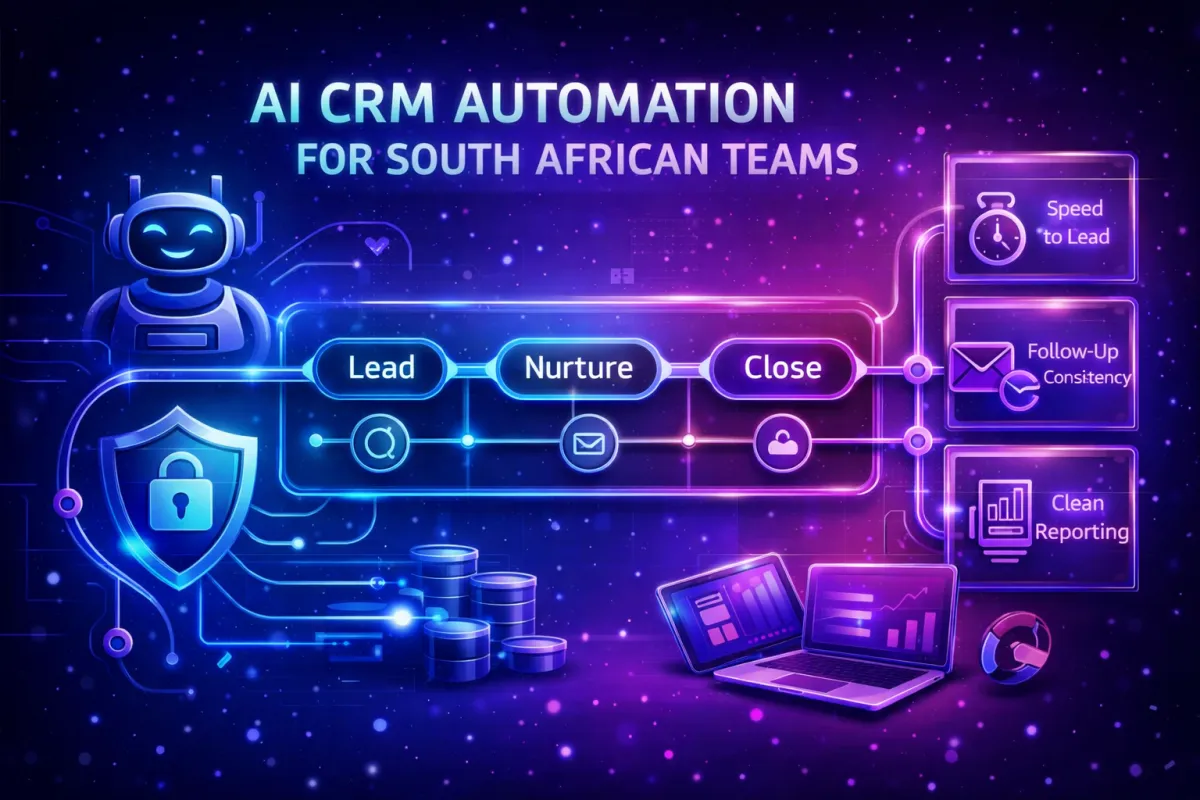
AI Automation for Business CRM in South Africa: What It Is, How It Works, and How to Implement It
AI Automation for Business CRM in South Africa: What It Is, How It Works, and How to Implement It
If your CRM feels like “that system we should use” rather than the engine that actually runs sales and service, you’re not alone.
Most South African businesses don’t lose opportunities because they lack leads. They lose them because the follow-through is inconsistent:
A website enquiry comes in after hours and sits until tomorrow.
A WhatsApp message gets answered, but nothing is logged.
A quote goes out… and nobody follows up.
A service issue bounces between staff because context is missing.
CRM automation (and AI on top of it) fixes the gaps between channels, teams, and tasks. It turns your CRM into a system that responds faster, assigns ownership automatically, keeps records clean, and gives managers visibility—without adding more admin to already busy teams.
If you want to understand how we approach practical automation for South African teams, start here: https://aiautomatedsolutions.co.za/
Why CRM automation matters now (speed-to-lead, admin load, customer experience)
Modern customers expect fast replies. In South Africa, that expectation is even stronger on WhatsApp—people want quick, human-feeling responses, not a delayed email two days later.
When your CRM isn’t automated, your team ends up doing the same manual work repeatedly:
copying details from forms into the CRM
assigning leads manually
remembering to follow up
hunting through messages to find context
updating stages “when they get time”
That admin load slows everything down. The result is predictable: slower response times, missed follow-ups, messy data, poor reporting, and a customer experience that feels inconsistent.
CRM automation reduces friction at the exact points where businesses typically bleed revenue and reputation.
What CRM automation is vs AI automation (explained simply)
CRM automation (rules-based)
CRM automation is the set of “if this, then that” workflows that keep your process consistent.
Examples:
If a lead submits a form → create a lead record instantly
If the lead is in Gauteng → assign to the Gauteng rep
If no one contacts the lead in 15 minutes → alert a manager
If stage changes to “Quote Sent” → schedule follow-ups automatically
If an appointment is booked → send confirmations + reminders
Rules-based automation is reliable and measurable. It’s also where the quickest wins come from, because it enforces discipline without depending on memory.
AI automation (predictive + generative + agentic)
AI becomes valuable once your workflow foundation is stable. It adds three practical capabilities:
Predictive (prioritisation and risk)
AI can help score and prioritise leads, identify deals that are slipping, and detect churn risk—so your team focuses on what matters first.
Generative (less typing)
AI can summarise calls and message threads, draft follow-ups, and propose next steps—so your team spends less time writing and more time moving deals forward.
Agentic (actions with guardrails)
With the right controls, AI can take limited actions like creating tasks, updating fields, or routing tickets—with approvals, restrictions, and audit trails so humans stay in control.
A simple way to think about it:
Automation runs the process
AI improves decisions and reduces manual effort
Guardrails keep it safe
The biggest CRM pain points AI solves
AI-enabled CRM automation is most valuable when it targets the everyday problems that quietly destroy performance:
1) Lead leakage
Leads arrive, but nobody owns them—or they’re assigned too late.
2) Slow response times
Speed-to-lead is a massive lever. If you reply fast, your conversion rate usually improves without spending more on marketing.
3) Messy data
Duplicates, missing fields, inconsistent stages, and “notes in someone’s head” lead to bad reporting and bad decisions.
4) Inconsistent follow-up
One rep follows up properly; another gets busy. Results become unpredictable.
5) Poor visibility
Managers can’t tell what’s stuck, what’s risky, or where the process is breaking.
The goal isn’t a “perfect CRM”. The goal is a CRM that drives consistent actions and gives the business reliable visibility.
Highest-ROI CRM AI automation use cases (practical)
1) Lead capture → enrichment → dedupe → assignment
Mini-scenario: A lead completes a website form at 19:40 asking for pricing.
A strong automation flow:
creates the lead record instantly
tags the source and service category
checks for duplicates (same email/number/company patterns)
assigns an owner and creates tasks
sends a professional acknowledgement and sets expectations
This prevents the common “human gap” where leads go missing between channels.
2) Lead scoring + prioritisation
AI scoring helps you decide what to do first:
who is high intent (“price”, “quote”, “availability”)
who is returning (repeat enquiries)
who matches your ideal customer profile
It’s how smaller sales teams operate like bigger ones—without burning out.
3) Follow-up automation across email + WhatsApp + web chat
South Africa is often WhatsApp-first. Your follow-up should match reality:
Day 0: acknowledgement + request missing info
Day 1: helpful reminder + clear next step
Day 3: value message (case example or offer to call)
Day 7: final check-in and close the loop
Soft CTA: If you want to see how this works for your lead flow (website → WhatsApp → CRM → follow-up), contact us here: https://aiautomatedsolutions.co.za/contact-us
4) Sales pipeline “next best action” + deal risk alerts
Examples of useful, grounded AI prompts/alerts:
“Quote sent 6 days ago, no activity—follow up today”
“Stage unchanged for 14 days—escalate”
“Customer asked a technical question—route to specialist”
“Deal pushed out twice—risk increasing”
This makes pipeline management proactive instead of reactive.
5) Customer service triage + summarisation + faster resolution
AI can:
categorise requests (billing, technical, delivery, account changes)
summarise the customer history for the agent
draft a response aligned to your policies and tone
route urgent issues to the right person fast
The outcome is fewer handovers, faster resolution, and more consistent support.
6) Re-engagement / churn prevention
This is often “hidden revenue”:
revive old leads
follow up stalled quotes
re-engage quiet customers with relevant messaging
track outcomes and feed learning back into scoring
A realistic implementation roadmap (South Africa)
Here’s a roadmap that works for real businesses—without turning CRM into a multi-month project that nobody finishes.
Step 1: Fix data hygiene + fields/stages
define stages that match your real sales cycle
choose required fields that matter (source, owner, service/product, region)
standardise definitions so the whole team uses them the same way
Step 2: Map lifecycle + SLAs
Set the operational rules:
response SLA (e.g., 15 minutes during business hours)
follow-up cadence by stage
escalation rules when SLAs are missed
service triage timelines and ownership
Step 3: Automate workflows first (quick wins)
Build the baseline consistency layer:
auto-assignment + task creation
reminders + follow-up sequences
stage-change triggers
inactivity alerts for managers
Step 4: Add AI assistance (summaries, drafts, recommendations)
automatic conversation summaries into CRM records
draft follow-ups reps can approve and send
next-step suggestions based on stage and activity
Step 5: Add guarded autonomy (AI can take actions with approvals)
AI proposes updates → humans approve
AI routes tickets → supervisors can override
AI schedules follow-ups → only within rules
Step 6: Measure and iterate weekly
Weekly review is where the results compound. Fix bottlenecks, improve sequences, and refine scoring.
KPIs to track (sales + service + ops)
Choose 8–12 metrics and review weekly.
Sales
speed-to-lead (median minutes to first response)
contact rate (% reached within SLA)
meeting booked rate
quote-to-win conversion rate
pipeline velocity (time per stage)
deal slippage rate (stuck deals beyond threshold)
forecast accuracy (expected vs actual)
Service
first response time
time to resolution
first contact resolution rate
reopen rate
CSAT (or simple 1–5 rating)
Ops / data quality
duplicate rate
missing key-field rate
% records with next-step tasks and recent activity logged
Common mistakes (and how to avoid them)
Automating chaos: map lifecycle + SLAs before automation.
Too many fields: keep required fields lean and meaningful.
AI without guardrails: start with summaries/drafts, then approvals, then limited autonomy.
Measuring activity not outcomes: track response time, conversion, resolution—and improve behaviours to support those.
No iteration loop: schedule a weekly ops review and treat it as non-negotiable.
Compliance & trust (POPIA-friendly approach)
This is practical guidance, not legal advice.
A POPIA-friendly CRM automation approach includes:
consent + opt-out: especially for marketing and WhatsApp messaging
data minimisation: collect only what you need to serve customers properly
audit trails: track changes, approvals, and message history
transparency: clear customer communication about why data is collected
access controls: limit sensitive data by role
Trust is not just compliance—it improves conversion and retention too.
What you get with AI Automated Solutions
When CRM automation is implemented properly, the outcomes are measurable:
faster response times on inbound enquiries
higher conversions through consistent follow-up and prioritisation
lower admin load through automated tasks and summaries
cleaner reporting through better data hygiene
consistent customer experience across sales and service
Learn more about our approach here: https://aiautomatedsolutions.co.za/
The goal isn’t to “add AI” for the sake of it. The goal is a CRM system that responds quickly, assigns ownership, follows up consistently, keeps clean data, and gives managers visibility—then uses AI to reduce typing and improve decision-making.
Strong CTA: If you want a tailored implementation roadmap for your business (lead sources, WhatsApp flow, stages, SLAs, and reporting), contact us here: https://aiautomatedsolutions.co.za/contact-us
1) What is AI automation for CRM?
It combines rules-based workflows (routing, reminders, sequences) with AI features like lead scoring, summaries, drafted follow-ups, and next-step recommendations.
2) What’s the quickest win for most South African businesses?
Speed-to-lead and follow-up consistency. Automating assignment, reminders, and WhatsApp/email sequences typically improves conversions quickly.
3) Do I need to replace my CRM to use AI automation?
Not always. But you do need clear stages, reliable data capture, and consistent usage—otherwise AI won’t have clean inputs.
4) Can CRM automation work with WhatsApp?
Yes. Leads can be captured from website forms or WhatsApp conversations, stored in the CRM, assigned to a team member, and followed up through structured sequences.
5) How can AI CRM automation be POPIA-friendly?
Use consent-based messaging, support opt-outs, minimise data collection, maintain audit trails, and limit access by role. Keep processes transparent and documented.